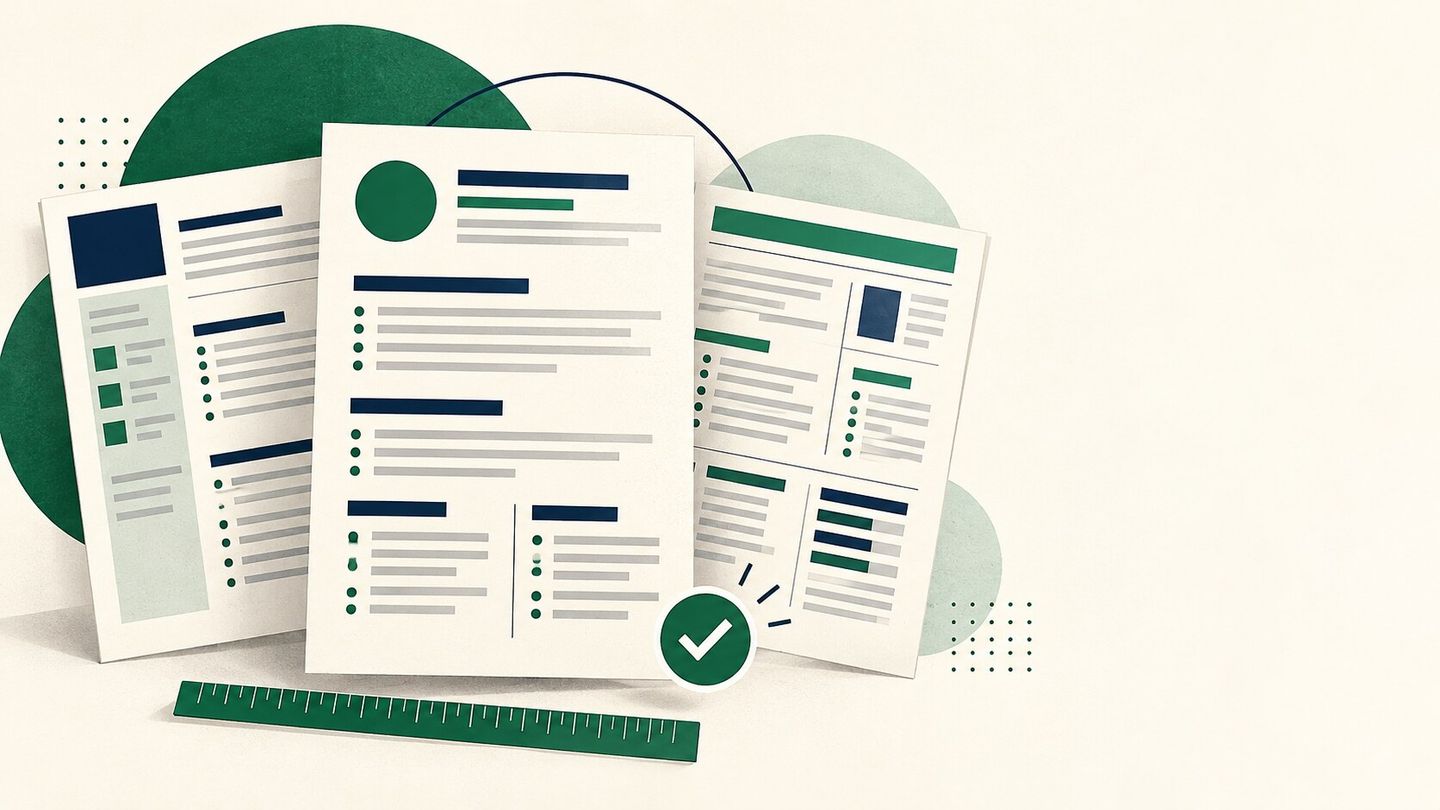
A CV template is a starting layout for your contact details, experience, education and skills. It saves formatting time, but it cannot decide which facts make you suitable for a job. The best template is the one that presents your real evidence clearly to the intended reader.
What a useful CV template should do
It should make your name and contact details easy to find, use familiar section headings, provide enough space for results under each role, and keep dates consistent. It should also survive export: open the PDF or DOCX and check that no text is cut off.
Jobberman Nigeria’s CV guidance says there is no single perfect format for every candidate. It recommends tailoring the content to the vacancy and showing recent experience first. Europass also advises readers to select relevant facts and keep the document readable.
Which layout should you choose?
Simple single column: A sensible first choice for most online applications. It keeps section order obvious and gives the reader one path down the page.
Two column or designed layout: Can work for a visual portfolio or a document emailed directly to a person, provided every important detail remains readable. Keep a simpler version when an application portal struggles with complex layouts.
Academic CV: Use when the application asks for research, teaching, publications or grants. It can be longer than an ordinary job CV because the evidence required is different.
Europass: Use the official Europass editor when an employer, programme or institution explicitly asks for an official Europass CV. The European Commission offers multiple Europass layouts and lets users choose the sections to include. A privately made “Europass-style” design is not the same as an official Europass export.
How to fill a template without sounding generic
Replace every placeholder. Write a summary for the role you want. For each job or project, describe an action and its result, using numbers only when you know they are true. Remove unused sections instead of leaving headings with no content. A graduate can give more space to projects and education; an experienced applicant should put the most relevant work evidence first.
Five checks before sending
- The template does not add a logo, watermark or claim of certification you cannot support.
- Your name, phone, email, job titles and dates are correct.
- The file opens on another device and the text can be selected.
- The layout remains readable at normal zoom and when printed.
- The filename and file type follow the vacancy instructions.
You can compare templates in MantaJobs and then tailor the content. If an official format is requested, use the named official service rather than relying on a lookalike.